
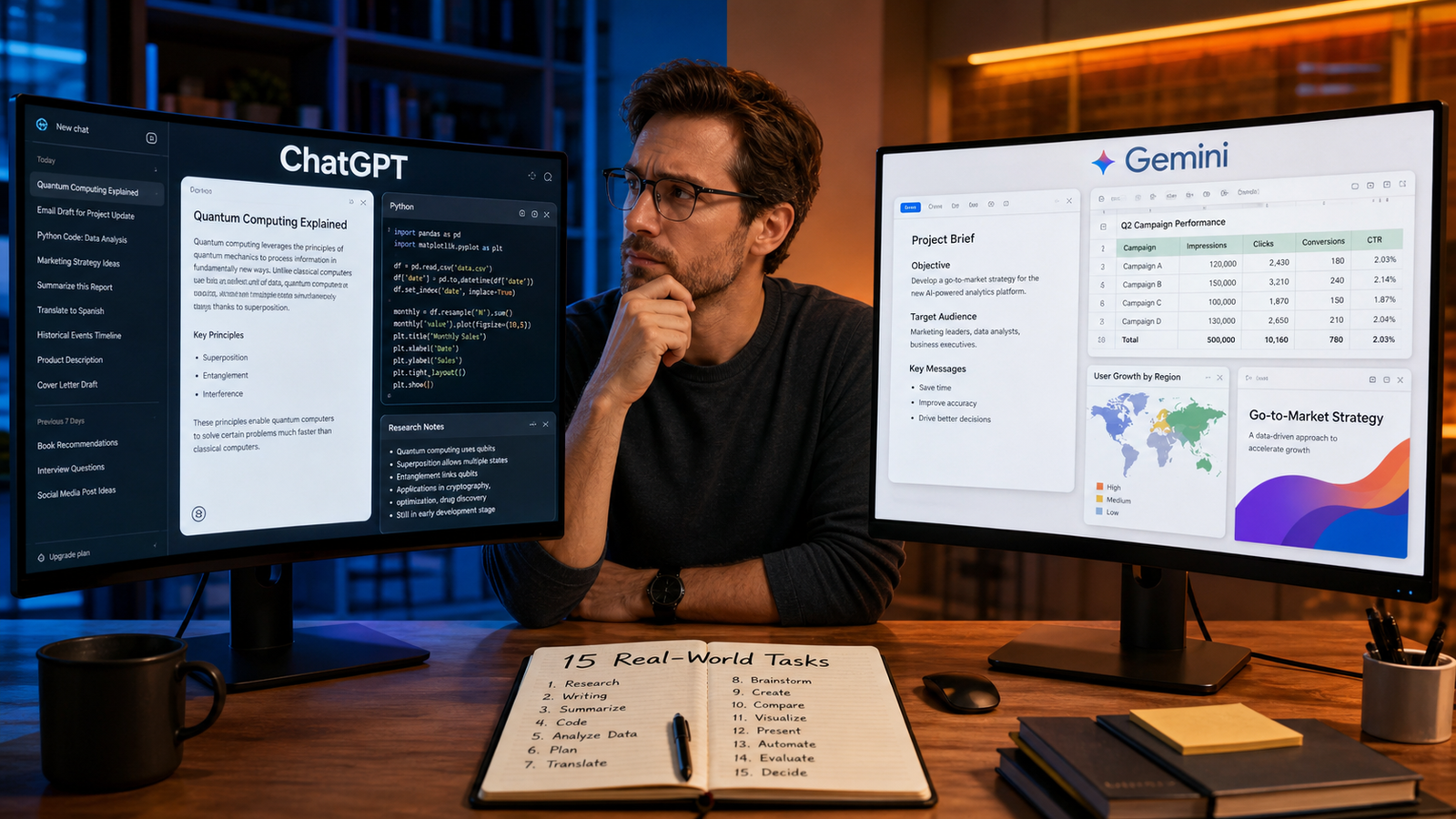
The ChatGPT vs Gemini debate is more useful when it moves beyond vague claims about which chatbot is “smarter.” In 2026, both assistants can write, research, analyze files, understand images, help with code, and connect to useful tools. The practical question is which assistant fits the task, information, and workflow you actually use.
I compared both tools across 15 everyday tasks using the same basic rule: give each assistant a clear version of the same request, provide comparable context, and judge the first useful result rather than the most impressive sentence. This is an editorial comparison, not a controlled scientific benchmark. Model versions, account tiers, regional availability, tool access, and product updates can change the outcome.
The result of this ChatGPT vs Gemini test is not one permanent winner. ChatGPT often felt like the more flexible standalone workbench for conversation, file analysis, coding explanations, and revisions. Gemini became more compelling when the task depended on Google Search, Gmail, Drive, Docs, Sheets, Slides, or a very large amount of context. The better choice depends on the work around the model, not only its isolated answer.
ChatGPT vs Gemini: the short answer
| Task area | Stronger fit | Practical reason |
| Writing and rewriting | ChatGPT | Flexible tone control and conversational editing |
| Google Workspace work | Gemini | Useful connections to Docs, Sheets, Slides, Drive, and Gmail |
| Current research | Tie | Both can research, but sources and settings matter |
| Long documents and mixed files | Depends | Context size and file workflow offer different advantages |
| Coding and debugging | Slight ChatGPT edge | Iterative explanations felt easy to refine |
| Visual interpretation | Tie | Both can interpret images, charts, and screenshots |
| Personal planning | Depends on ecosystem | Connected calendars and files may matter most |
| Overall choice | No universal winner | Your tools, data, and review habits should decide |
A student who keeps everything in Google Drive may prefer Gemini, while a writer or independent developer may prefer ChatGPT’s conversational project workflow. That is the central finding of this ChatGPT vs Gemini comparison.

How I tested ChatGPT and Gemini fairly
A fair ChatGPT vs Gemini comparison needs more than one clever prompt. I used ordinary requests: rewrite an email, summarize a document, compare sources, plan a trip, debug code, organize messy information, and create a presentation outline. When a task required a file, both tools received comparable material and the same instructions.
I judged usefulness on the first attempt, accuracy, instruction-following, clarity about uncertainty, and ease of improvement with a follow-up prompt. I checked current claims against sources, calculations manually, and code in a safe environment. The comparison also separates product features from model performance. OpenAI’s ChatGPT capabilities overview describes web search, deep research, image input and generation, file uploads, data analysis, voice, memory, and Projects, with access depending on plan and settings. Google’s Gemini Deep Research guide describes a workflow that can plan research, browse the web, use selected Google context, and produce a report.
The 15 real-world tasks
1. Explain a difficult concept to a beginner
For the first ChatGPT vs Gemini task, I asked both assistants to explain a technical subject without specialist language. ChatGPT was slightly easier to steer through follow-ups such as “use an analogy” and “explain the exception,” while Gemini benefited when current web context mattered. The practical winner is the assistant that handles follow-up prompts well. Ask either tool to define terms, show an example, and quiz you.
2. Rewrite an email without sounding robotic
I supplied a rough email and requested a warmer, concise version. ChatGPT offered useful tone variations quickly. Gemini handled the rewrite well too, and became more convenient when the draft already lived in Google Docs or Gmail. For this ChatGPT vs Gemini use case, ChatGPT felt better for experimenting with voice in a standalone chat, while Gemini reduced friction inside Google Workspace. Give either tool the recipient, purpose, tone, and requested action.
3. Summarize a long report
I asked each assistant to turn a report into an executive overview, key evidence, open questions, and actions. Both worked well when the file was readable and the instructions were specific. ChatGPT made follow-up questions about selected sections simple; Gemini was attractive when the material was spread across Drive files or Gmail. The ChatGPT vs Gemini lesson is that document work is not only about context size. Ask for page references and compare the summary with the original.
4. Research a current topic
For current research, I used the same question in both assistants and requested source links, dates, competing viewpoints, and a section explaining uncertainty. ChatGPT’s Deep Research documentation describes a multi-step process for searching, analyzing files, and producing cited reports. Gemini’s workflow similarly emphasizes planning, browsing, and synthesis. This round was effectively a tie. The key ChatGPT vs Gemini difference was source control: open important links and check whether the conclusion follows from the evidence.
5. Compare several sources fairly
I supplied multiple articles and asked both tools to compare claims, dates, evidence, assumptions, and disagreements. Neither should treat repeated claims as independent confirmation. ChatGPT felt natural for disputed claims, while Gemini was useful when web research connected with Google material. Request a claim-by-claim comparison and label points supported, disputed, or unresolved.
6. Build a study guide and practice quiz
I asked both tools to turn notes into a study guide, short-answer quiz, and review schedule. ChatGPT was good at creating difficulty levels and explaining answers. Gemini was convenient when notes were already stored in Google Drive or a school Workspace account. The best ChatGPT vs Gemini choice for studying depends on where the material lives. Either assistant can generate questions and identify weak topics, but students should use AI to understand rather than hide copied work.
7. Clean and explain a spreadsheet
I gave both assistants a small spreadsheet with inconsistent categories and asked for a cleaning plan, formulas to review, and a plain-language summary. ChatGPT was strong at explaining transformations and calculations. Gemini became attractive when the work happened directly in Sheets. The ChatGPT vs Gemini result was close because neither tool should silently change important data. Keep an untouched copy, inspect formulas, and test totals manually.
8. Extract information from a PDF, screenshot, or image
I asked both assistants to identify fields in a document and describe a screenshot. Both were useful, but accuracy depended on image quality, handwriting, layout, and table structure. ChatGPT offered a direct workflow for uploaded files, while Gemini helped when material was spread across a collection. The winner is the tool that admits what it could not read. Ask for confidence notes and verify important fields.
9. Plan a trip within real constraints
I asked both tools to plan a short trip with a budget, dates, transport preferences, opening-hour concerns, and a slower pace. Both produced useful starting itineraries. Gemini had a natural advantage when the plan depended on Google Search, Maps, Calendar, or account information. ChatGPT was strong at conversational revisions. For this ChatGPT vs Gemini task, combine structure with current verification because prices, schedules, closures, and entry rules change.
10. Organize a calendar, inbox, or personal project
I gave both tools a messy list and requested deadlines, owners, dependencies, and next actions. ChatGPT was flexible in a standalone project conversation. Gemini was more convenient when the information lived in Gmail, Drive, Calendar, or Docs. This ChatGPT vs Gemini comparison shows that an assistant with the right context may outperform a stronger general model. Review permissions and approve every external action.
11. Understand a chart, photo, or screenshot
I asked both assistants to describe a visual, identify its main message, and note uncertainty. Both helped with basic interpretation and accessibility. ChatGPT felt smooth for back-and-forth visual questions, while Gemini was competitive with Search or Google files. The ChatGPT vs Gemini takeaway is that precise questions produce better analysis. Ask which category is largest and what cannot be concluded, then check numbers visually.
12. Generate creative ideas or a visual direction
I supplied the same brief for a blog campaign and requested concepts, headlines, mood direction, and ways to avoid generic AI imagery. ChatGPT was strong at rapid variation, while Gemini worked well when the idea connected to a document or presentation. For this ChatGPT vs Gemini task, the winner depends on whether you need volume or continuity. Check names, references, copying risks, and text inside generated images.
13. Write, explain, and debug code
I gave both tools a small coding problem containing a bug and requested corrected code and tests. Both found common syntax and logic issues. ChatGPT felt slightly better for iterative debugging, while Gemini was useful with large surrounding context. The ChatGPT vs Gemini result should never be reduced to which assistant writes code faster. Check security, secrets, edge cases, and dependencies, then run tests safely.
14. Create a presentation from notes
I asked both assistants to turn a brief into a presentation outline with slide titles, notes, and visual ideas. ChatGPT was useful for shaping the narrative. Gemini had an advantage when the work needed to move into Google Slides or draw context from Docs, Drive, email, or the web. Google’s Workspace updates describe Gemini features for creating and editing Docs, Sheets, Slides, and Drive content, although access varies. In this ChatGPT vs Gemini task, the product connection may matter more than the draft.
15. Manage a multi-step project with files and follow-ups
I asked both assistants to review files, make a plan, identify missing information, draft an output, and revise it. ChatGPT’s Projects feature organizes chats, files, instructions, and context around an objective, as described in OpenAI’s Projects documentation. Gemini offers a comparable connected workflow. This showed why a ChatGPT vs Gemini winner depends on environment. Define objectives, source boundaries, and approval points.

What the 15 tasks actually show
The ChatGPT vs Gemini contest is a choice between two styles of assistance. ChatGPT is often a strong general-purpose workbench for rough requests, uploaded files, revisions, and project work. Its Projects, file analysis, web search, image tools, voice, and research features support varied workflows, although access depends on plan and settings.
Gemini is often strongest when the assistant is part of a Google-centered workflow. If your source material, calendar, messages, documents, spreadsheets, or presentations already live in Google products, reducing context switching can matter more than a small difference in prose quality. Google’s documentation emphasizes connected Workspace context and Deep Research, while availability can vary by subscription, country, language, platform, and rollout.
Neither assistant should be treated as an authority simply because it provides a citation, confident explanation, or polished format. NIST’s AI Risk Management Framework is a useful reminder that AI systems need risk-aware oversight. A responsible ChatGPT vs Gemini workflow includes source checking, permission review, human approval, and a backup of the original material.
Which AI should you choose?
Choose ChatGPT if you want a flexible standalone assistant for writing, iterative editing, file questions, coding conversations, visual interpretation, and project refinement. It is comfortable when you want to move from a rough idea to a refined result through several conversational passes.
Choose Gemini if your daily work already runs through Google Search and Workspace. Its value increases when you need help inside Docs, Sheets, Slides, Drive, Gmail, Calendar, or connected Google context. It can reduce friction between applications, provided your plan and region support the features you need.
Choose both when a task matters enough to deserve a second perspective. Use one assistant to create an outline and the other to challenge it. Compare citations, calculations, summaries, and code rather than comparing brand personalities. The safest answer in a ChatGPT vs Gemini decision is the tool that fits your information, permissions, and review process.
AI and Privacy: What Happens to Your Data When You Use AI Tools?

Conclusion: the best AI depends on the task
After 15 practical tests, I would not call either assistant the permanent winner. ChatGPT vs Gemini is not one race with one finish line. It is a series of decisions about writing, research, files, coding, planning, creativity, and connected apps.
ChatGPT is a strong choice for flexible conversation and general-purpose project work. Gemini is a strong choice for people who want AI woven into Google Search and Workspace. Both can save time, but both can create polished mistakes. Give either assistant clear context, demand evidence, check the result, and keep control of important decisions.
Frequently Asked Questions
Is ChatGPT better than Gemini in 2026?
There is no universal winner in the ChatGPT vs Gemini comparison. ChatGPT may fit better for flexible standalone conversations, writing, coding, and project refinement. Gemini may fit better for people who work mainly in Google Search and Workspace. Your plan, region, files, and workflow can change the answer.
Which is better for research, ChatGPT or Gemini?
Both offer research workflows, but access and presentation differ. ChatGPT’s Deep Research is designed to search, reason over sources, and create cited reports. Gemini’s Deep Research can plan and browse the web and, when enabled, use selected Google context. Open important sources before relying on a conclusion.
Which AI is better for students?
Either can explain concepts, create practice questions, summarize notes, and plan revision. ChatGPT may feel more flexible for tutoring through conversation, while Gemini may be convenient when course materials are already in Google Drive. Students should use AI to practice and understand, not conceal copied work.
Is Gemini better for Google Docs and Sheets?
Gemini has an ecosystem advantage when you want assistance inside Docs, Sheets, Slides, or Drive and the feature is available to your account. Verify permissions, formulas, citations, and the final document before sharing it.
Is ChatGPT better for coding?
ChatGPT can be a strong coding partner for explanations, debugging, test ideas, and iterative problem solving. Gemini can also write and review code, especially when you provide large context or work in Google’s developer ecosystem. Run the code and test edge cases regardless of your choice.
Can ChatGPT or Gemini be trusted with private files?
Do not upload confidential, personal, regulated, or company-restricted information until you understand data controls, retention settings, account policy, and administrator rules. Use the minimum necessary information and confirm connected-app permissions. Privacy is central to any ChatGPT vs Gemini decision.
What is the fairest way to compare ChatGPT and Gemini?
Give both tools the same prompt, comparable files, and the same success criteria. Compare accuracy, completeness, instruction-following, source quality, uncertainty, and ease of revision. Record the model, plan, date, tools, and settings because capabilities change. A personal test helps choose a workflow, but it is not a scientific benchmark.