There are thousands of health and wellness apps out there—step counters, sleep trackers, meditation apps, water reminders, workout plans, mood journals… It can feel overwhelming, especially if you’re just starting to take care of your health.
The good news: you don’t need 20 apps. You just need a few simple, free tools that actually fit your life.
This beginner‑friendly guide will show you:
- What kind of health apps are most useful (for movement, water, sleep, and mood)
- Examples of popular free apps you can try
- How to pick the right ones for you
- Basic safety and privacy tips
Quick note: This post is for general wellness and information only and is not medical advice. For any health condition, always speak to a doctor or qualified professional.
1. Before You Start: Don’t Download Everything
When people get motivated, they often install 10 different apps in one day. After a week, it’s too much—and they give up.
Instead, start with:
- 1 app for movement or steps
- 1 app for water
- 1 app for sleep or calm
You can always add more later.
Also remember:
- Most apps have a free version plus optional paid features
- Prices, features, and availability can change over time—always check your app store page for the latest details
2. Apps to Track Steps and Daily Movement
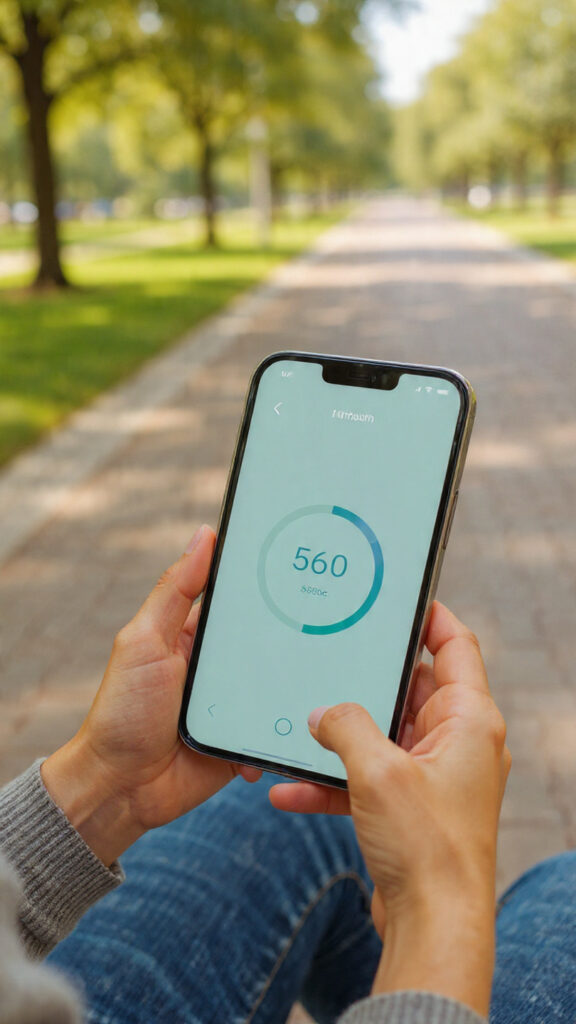
If you’re a beginner, simply moving more is one of the easiest ways to improve your health.
You probably already have a step tracker on your phone:
Built‑in phone health apps
- On Android:
- Many phones come with Google Fit or Samsung Health preinstalled.
- They can track steps, basic activity, and sometimes heart rate (if your device supports it).
- On iPhone:
- Apple Health tracks steps and integrates with many other apps.
- It can show you your daily and weekly movement trends.
Why these are great for beginners:
- They’re free and already on most phones
- You don’t need extra accounts or subscriptions
- They give you a basic daily goal (for example, 6,000–10,000 steps)
How to use them:
- Turn on activity/step tracking in the app
- Put your phone in your pocket or bag when you walk
- Aim to slowly increase your average steps over time, not overnight
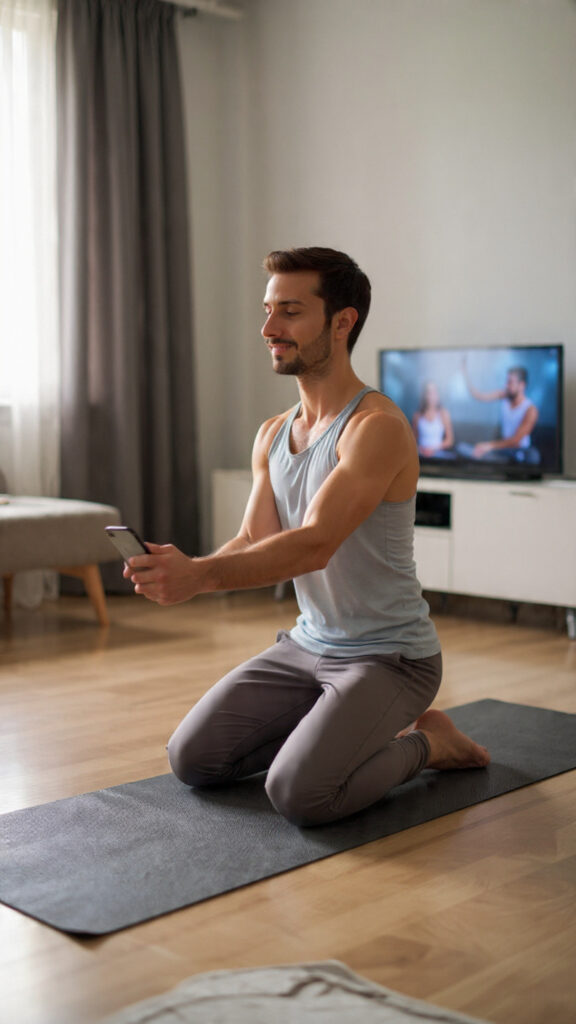
3. Free Workout Apps for Home Exercise (No Equipment Needed)
If you want to move more but hate the gym, home‑workout apps can help.
Examples of popular apps with strong free versions (always check current terms in your store):
- Nike Training Club
- Offers guided workouts for different levels
- Many body‑weight routines (no equipment)
- Options for strength, mobility, and short sessions
- FitOn
- Free workout videos you can follow at home
- Includes cardio, strength, Pilates, yoga, stretching
- Lets you choose workout length and intensity
How to use workout apps as a beginner:
- Start with beginner or low‑impact programs
- Choose 10–15 minute sessions at first
- Don’t do too much too fast—your goal is consistency, not punishment
If you have injuries or health issues, talk to a professional before starting new exercise routines.
4. Water Reminder Apps: Drink Enough Without Overthinking
Most of us don’t drink enough water, especially on busy days.
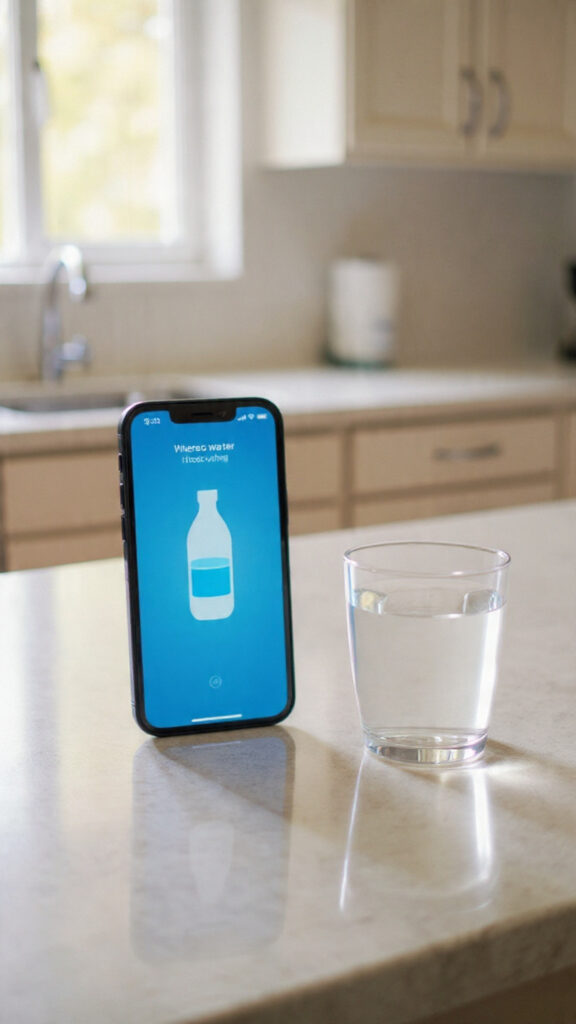
Water reminder apps can:
- Remind you to drink small amounts regularly
- Help you track how much you’ve had
- Show progress toward a daily goal
In your app store, search for terms like:
water reminderdrink water trackerdaily water intake
Examples (names may vary by country/phone):
- Water Reminder
- Water Drink Reminder
- Waterllama (often has a free tier with optional paid features)
How to use them:
- Set a realistic daily goal based on your size and climate (many apps suggest one)
- Turn on gentle reminders (for example every 1–2 hours)
- Use a water bottle or glass you like so it feels pleasant, not like a chore
5. Meditation and Calm Apps for Stress and Sleep
You don’t have to be “spiritual” to enjoy a few minutes of calm.
Meditation and relaxation apps can help with:
- Falling asleep more easily
- Reducing daily stress and anxiety
- Feeling more grounded and present
Examples of popular apps with good free content:
- Insight Timer
- Large library of free meditations, music, and sleep tracks
- You can choose by length (e.g., 5, 10, 20 minutes)
- Medito
- A meditation app that aims to be completely free
- Offers guided sessions for beginners, stress, and sleep
Many “premium” meditation apps also offer limited free content—check what you get before paying.
Tips for using them:
- Start with 5–10 minute sessions
- Use sleep stories or sounds at night if they help you relax
- Try different teachers/voices until you find one you like

6. Mood and Habit Tracking Apps
Your mental and emotional health are just as important as steps and water.
Mood and habit apps can help you:
- Notice patterns in your mood and energy
- Track simple habits (like “took a walk”, “went to bed before 12”, “read 10 minutes”)
- Feel rewarded when you stay consistent
Examples (always check free vs paid features):
- Daylio (mood and activity tracking with icons and notes)
- Loop Habit Tracker (Android, free & open‑source habit tracker)
- Habitica (habit tracker that turns your habits into a little game)
How to use them:
- Start with 1–3 simple habits, not 20
- Check in once a day, not every hour
- Use them as a mirror, not a reason to feel guilty
Important: These apps are not a replacement for therapy or professional mental health support. If you’re struggling, please talk to a qualified professional in your area.
7. How to Choose the Right Apps for You
With so many options, here are 3 simple rules:
- Keep it minimal
- One app for movement, one for water, one for calm is a good start.
- Delete anything you’re not really using.
- Check how you feel, not just the numbers
- Does this app make you feel motivated or stressed?
- If you feel guilty or pressured all the time, it might not be right for you.
- Review after 2–4 weeks
- What helped? What felt annoying?
- Adjust your goals and notifications so they support your life, not control it.
8. Safety, Privacy, and Healthy Use of Wellness Apps
Health apps collect personal information. Protect yourself by:
- Checking permissions
- Don’t give access to things the app doesn’t really need.
- For example, a water reminder doesn’t need your location.
- Reading data and privacy sections
- See what data is collected and whether it’s shared with third parties.
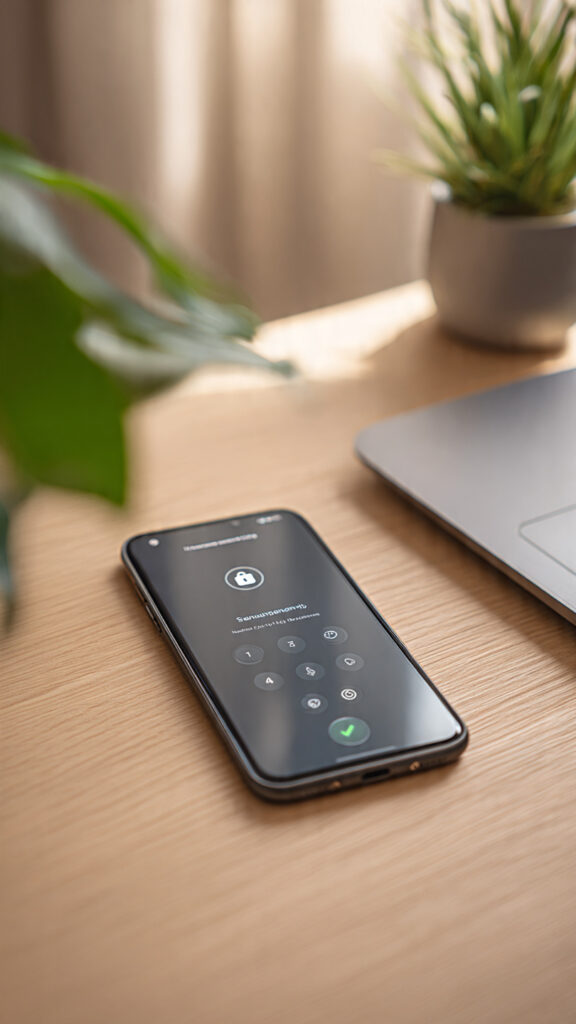
- Using strong passwords and screen locks
- Especially for apps with sensitive notes or health info.
- Remembering they’re tools, not doctors
- Apps can support your wellbeing, but they don’t replace medical advice.
- For any serious issue, always consult a doctor or mental health professional.
Final Thoughts
Health & wellness apps can be great helpers:
- Step trackers remind you to move
- Water apps help you stay hydrated
- Meditation apps give you a moment of calm
- Habit apps keep you aware of your small daily choices
You don’t have to become a “perfect” healthy person overnight. Start with one small area—maybe water, or steps, or sleep—and pick just one app to try.
Which type of wellness app do you want to start with: steps, water, sleep, or mood?
Share your choice in the comments—and after a week, come back and note what changed.